

7 Solo Dev Business AI Tools I Use to Run My Stack
Being a solo developer today feels completely different than it did just a few years ago. We are no longer limited by how many lines of code we can type in a day. Instead, our bottleneck is how quickly we can think, design, and direct our automated systems. To achieve this, finding the right solo dev business ai tools is absolutely essential. Building apps, managing digital products, and maintaining a tech blog like actoryn.io requires a serious and automated workflow.
Today I want to break down the exact AI stack I use to run my entire solo development business. This setup helps me ship both iOS and React Native applications at lightning speed while keeping my operational overhead near zero.
The Shift to Vibe Coding
If you are still writing every single boilerplate function by hand, you are burning valuable time. The modern solo dev business is all about acting as a director. You provide the architecture, the vision, and the critical logic. The AI handles the execution. This workflow is sometimes called vibe coding. You get into a flow state, architect the logic, and let your tools generate the tedious parts.
Let us look at the seven heavy hitters in my daily rotation.
My Essential Solo Dev Business AI Tools
1. Antigravity IDE for the Heavy Lifting
While Cursor gets a lot of hype, Antigravity IDE has actually become my daily driver. I use it far more often than anything else. It is an absolute powerhouse when I am building out complex MVVM-C architectures or writing deep SwiftUI logic. It handles the heavy lifting of my codebase perfectly and keeps me in the zone.
2. Cursor for Rapid Execution
Cursor is still a vital part of my IDE setup, primarily for quick, rapid-fire executions. When I am working on React Native projects, having an AI that understands my entire codebase context is a massive advantage. I use it to refactor components and catch syntax errors before I even hit save.
3. Claude Pro for Deep Logic and Architecture
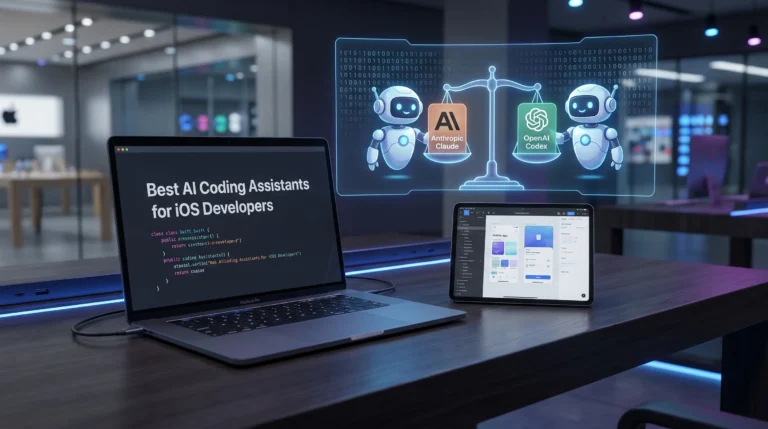
While my IDEs handle the inline execution, Claude Pro is my go-to for high-level system design. Whenever I need to plan out complex data flows, design database triggers, or structure a new mobile app, I drop my requirements into Claude. It is incredibly strong at logical reasoning and making sure my dependency injection setups are perfectly scaled.
4. Gemini for Real Time Research
When I need to dive into the latest API documentation or pull up current market trends for a new digital product, Gemini is my primary research assistant. Because it pulls fresh data from the web quickly, it is perfect for debugging obscure error codes or comparing third-party SDKs before I commit to adding them to my project.
5. Codex for Core Mobile Development
While Claude handles the high level system architecture, I rely on Codex specifically across all my mobile projects. I do not use it for random scripts or backend utilities. Instead, it is a core part of my iOS and React Native development flow. Whenever I need to generate complex SwiftUI views, write intricate component logic, or quickly prototype mobile elements, Codex delivers incredibly sharp results. It acts as a perfect alternative to Claude, keeping my mobile codebase moving forward without friction.
6. AI Video and Image Generation for Marketing
Building the app is only half the battle. Selling it is the rest. To create assets for my global digital products under Arunya Lab and my YouTube content, I rely heavily on AI media generators. I use Google Labs’ Nano Banana Pro and the Veo video model very frequently to generate high-fidelity, cinematic visuals. Occasionally, I will also mix in Killing AI and Midjourney for specific conceptual art. These are crucial solo dev business ai tools because they allow me to produce professional marketing material without hiring a dedicated design team.
7. Automation and Workflow APIs
To tie everything together, I use AI-driven workflow tools to handle the repetitive business tasks. This includes sorting through emails, formatting blog posts, and analyzing user metrics from platforms like RevenueCat. Automating the business side means I get to spend more of my day doing what I actually enjoy. Writing great code.
Scaling as a Team of One
Because I am the one writing the code, determining the logic, and running the tests, I need a way to avoid drowning in spaghetti code. AI helps me take serious notes, continuously improve myself, and maintain a clean mental workspace. Utilizing these solo dev business ai tools is no longer just an option; it is an absolute necessity for me. It provides massive time savings and pushes my productivity to the maximum level.
Thank you, ALL AI Stack 🙂
2 Comments