Best AI Coding Assistants for iOS Developers
The Evolution of AI in Mobile Development
Today’s topic is a highly requested one: the best AI coding assistants for iOS developers. As an iOS developer myself, this subject is incredibly important to me. I have tested numerous AI tools over the years. Back when Claude and other AI models were not as advanced, I used to rely heavily on copying and pasting code into Gemini AI Pro and ChatGPT Plus.
Think about it, those days were so much harder because the AI had absolutely no knowledge of our codebase. It did not know our tech stack or our architecture. I had to manually copy and paste every single file to give it context. Today, we have mostly moved past that phase. However, I still do it occasionally because it is quite nice to feel like you have a bit more manual control over the process.
Which AI Tool is the Best for iOS Development?
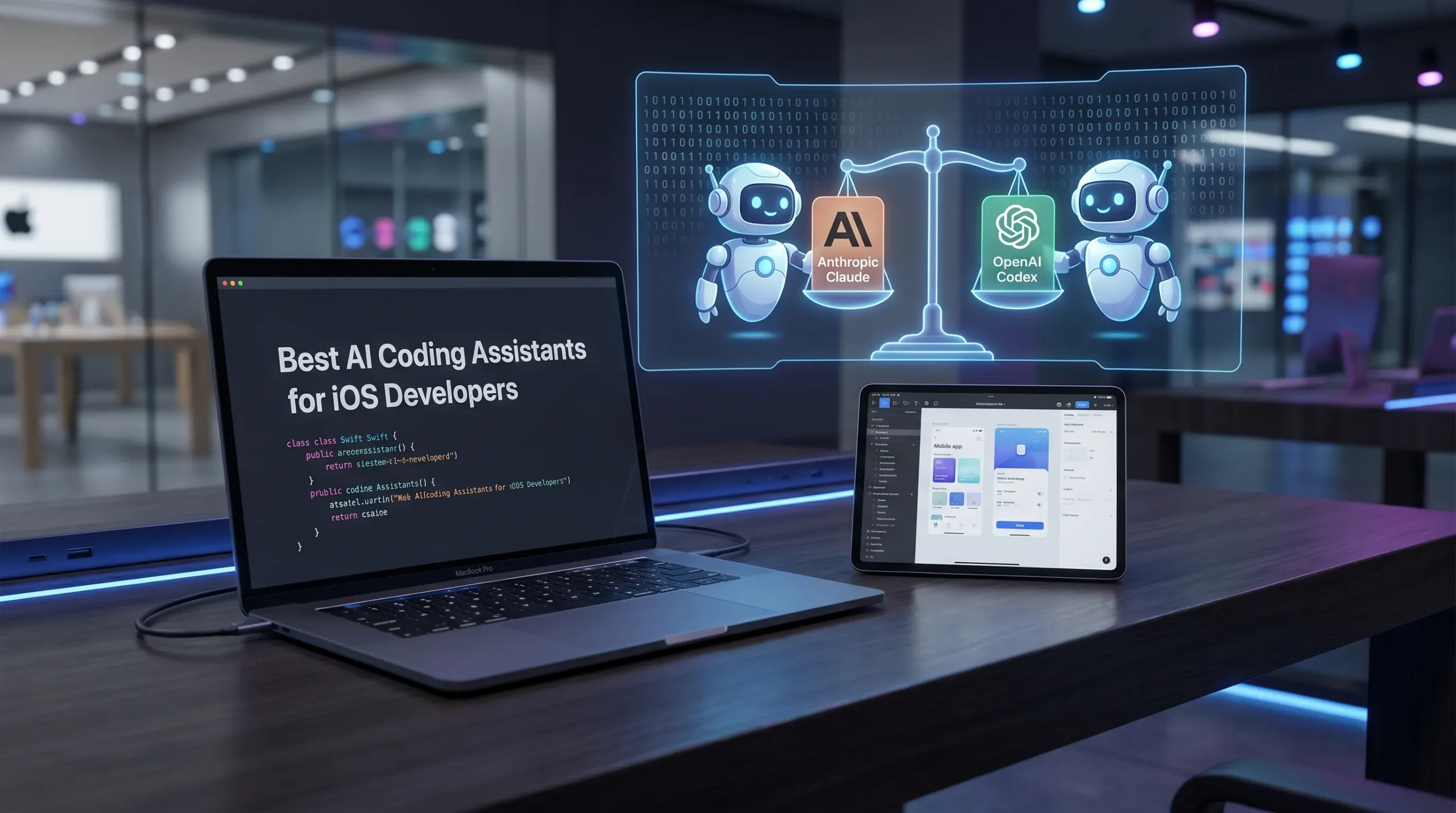
Now, let us get to the main question: which AI coding assistant is truly the best for iOS development? This is my personal take, but my top choices are Claude and Codex. Based on my own observations, Claude excels in UI design and complex logic generation. Codex on the other hand is fantastic for heavy lifting and more rigid tasks, though it does not always give me the exact results I want when it comes to UI.
By the way, you can also use IDEs like Antigravity alongside Gemini AI Pro. But in my opinion, Claude delivers a much higher success rate for both mobile UI and serious production tasks compared to the others. Codex is a very close second.
Comparing Claude and Codex and Gemini
If I had to score them, I would give Claude a solid 94 percent for UI and logic tasks. Codex would sit comfortably at 90 percent. I would place Gemini AI Pro somewhere around the 80 to 82 percent mark.
Achieving Production Ready Architecture
You might be wondering if these tools can handle complex architectural work at a production ready level. You do not even need to worry about this when using Claude or Codex. Their coding styles are completely production ready by default. If you still have doubts, you can always start your prompts with a clear persona, such as “You are a Staff Software Engineer with 15 years of experience.” I actually shared the full version of this exact prompt in another article, so feel free to check that out as well.
My Ultimate AI Coding Workflow Strategy
Whether you prefer vibe coding or standard coding practices, I highly recommend integrating both tools into your workflow. Start your project with Claude. When you hit your token limit, seamlessly switch over to Codex. Just be sure to explain exactly where you left off so the AI understands what you are trying to achieve.
I primarily use Claude Sonnet and Opus for these tasks. Honestly, I have not noticed a massive difference between the two during active development sprints. I am just genuinely glad these tools exist today. They are incredibly helpful when you are working with an unfamiliar syntax, provided you already have a solid grasp of mobile development principles.
Summary For Happy Development 🙂
To sum it all up: use Claude to get your project off the ground. Once your tokens run out, continue building with Codex. For quick questions or those single tasks where you get stuck on a specific screen, switch to Gemini AI Pro and use the manual copy and paste method.
You will quickly see a massive boost in your development speed. You will make serious progress with minimal financial investment, ensuring your creative flow is never interrupted. Even if you exhaust your daily tokens for both Codex and Claude, continuing step by step with Gemini AI Pro still has a very fun and rewarding side to it.